
Software for the live stage

From patchto stage.

Build the patch, convert, monitor and project. Every tool works on its own. StageFlow connects them around the same show.

Windows & Mac · free StageFlow · optional support

LOOKING FOR AN ANTI-FEEDBACK TOOL?

Keep feedback from taking over.

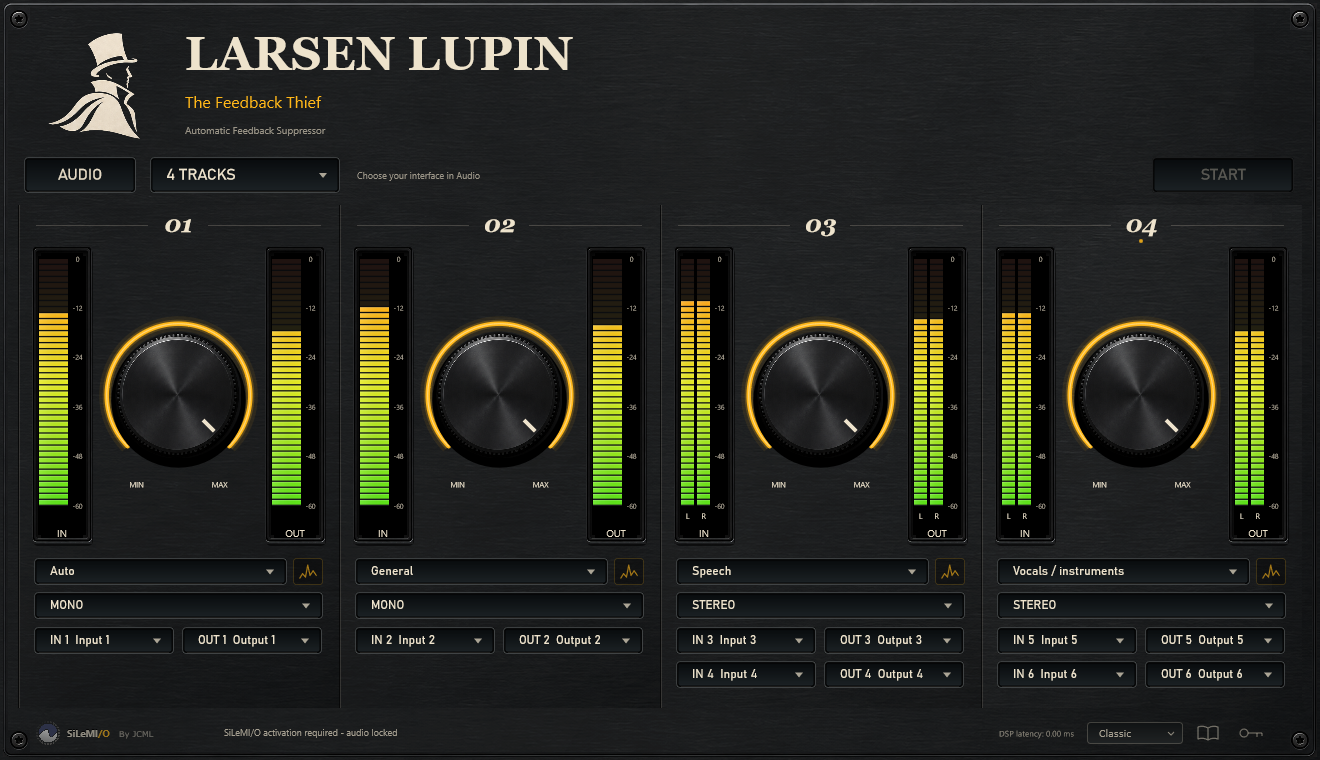
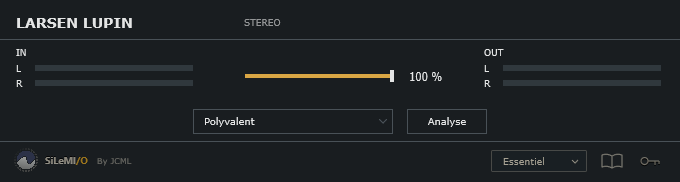
Larsen Lupin helps calm ringing frequencies as an AU / VST3 plug-in or a standalone app. A direct tool to try in your own conditions.

Larsen Lupin Classic interface for anti-feedback processing
Anti-feedback · Classic view · AU / VST3 · standalone

START WITH YOUR NEED

What are you working on?

Eight tools. Choose the one that fits today’s job.

Discover the suite

From patch to stage in 40 seconds.

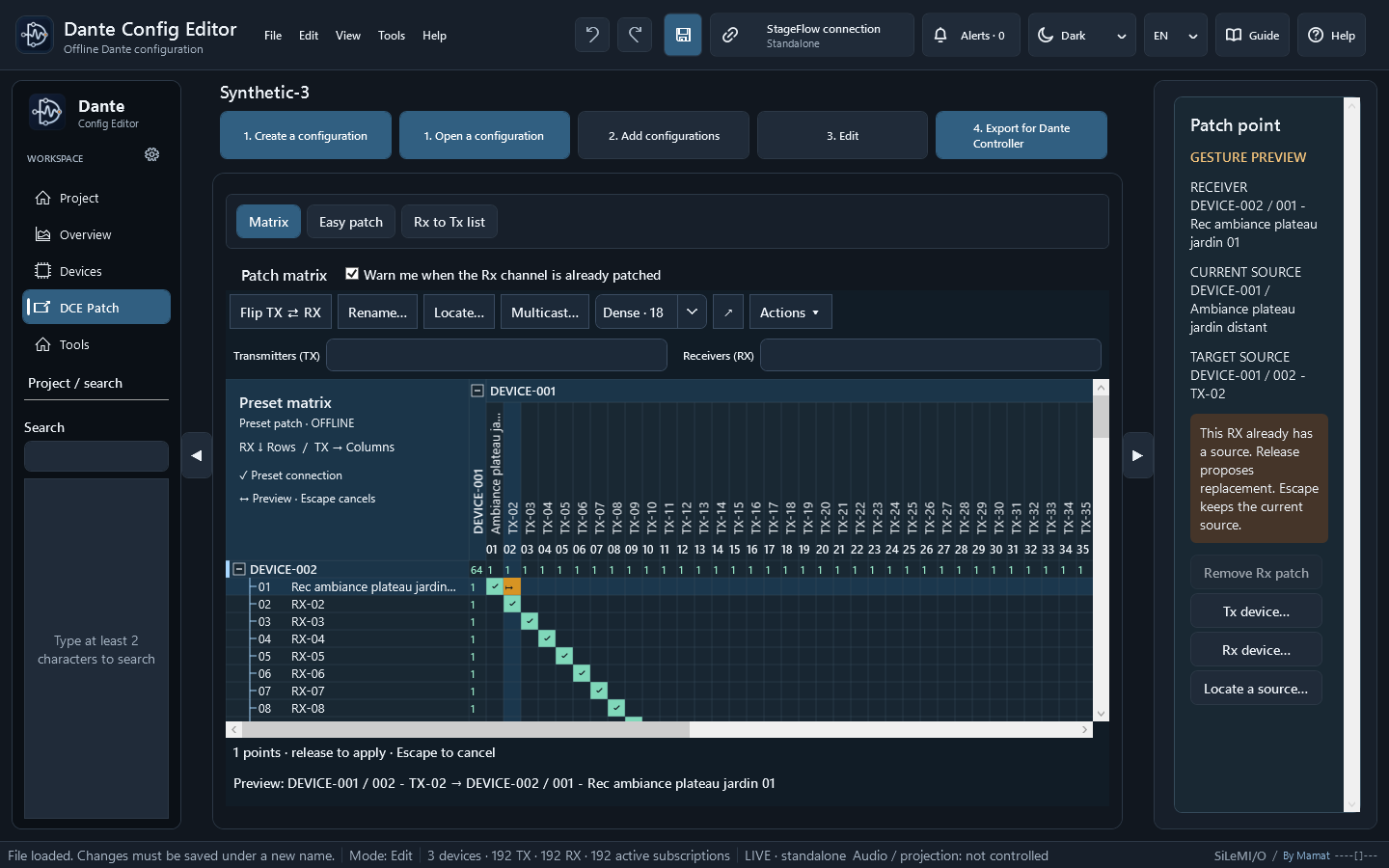
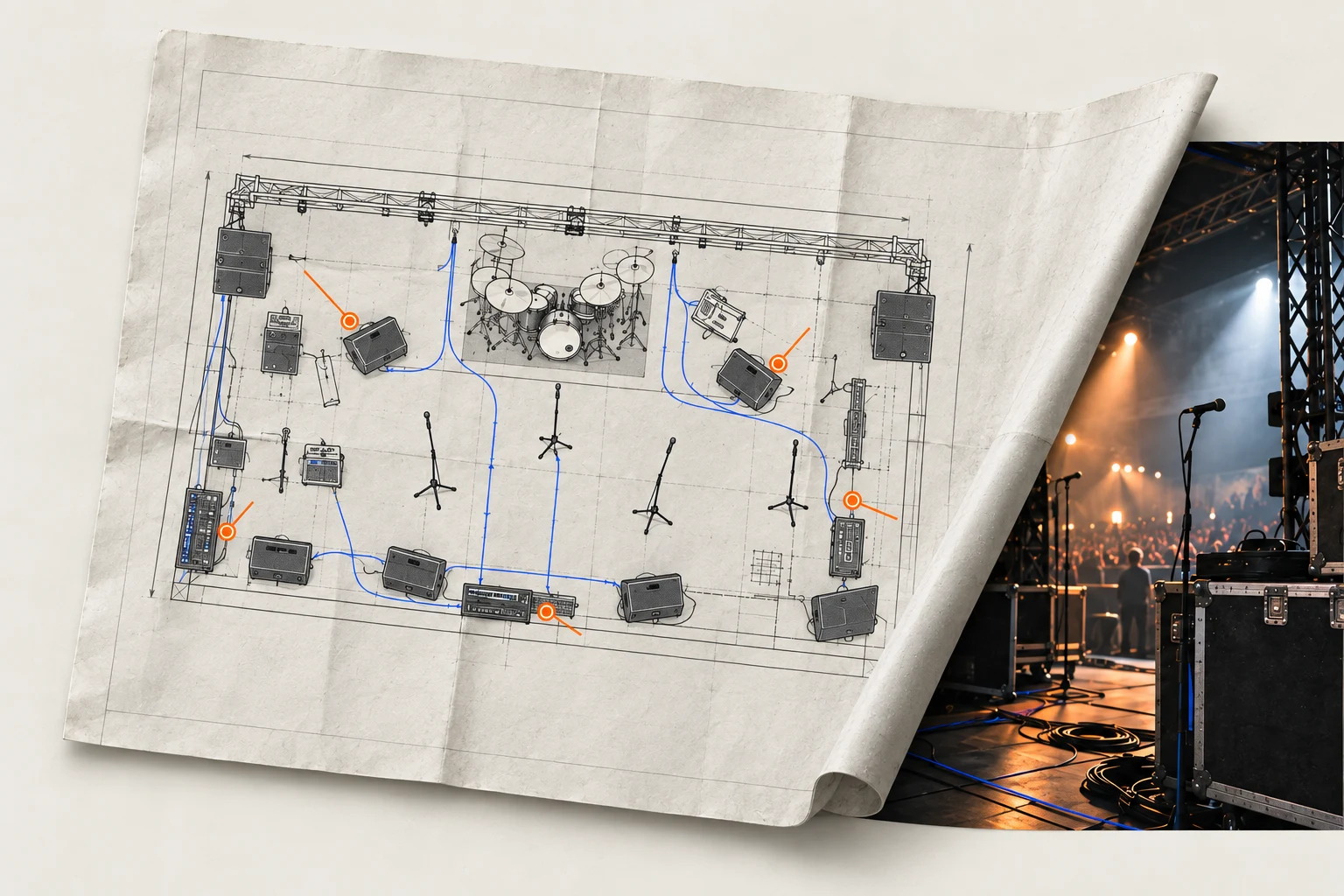
Prepare the patch in StageFlow. Use the supported information in StageDesk, Dante Config Editor, StageMark and StageMon, then stay in control on site.

40 seconds · no voice · on-screen text

StageFlow · .stageflow

One show. Information that flows.

StageFlow is a free patch creator and a shared project format. Connect the tools you need: workstations on your local network receive current data and are notified of changes.

Explore the StageFlow session

YOUR FIRST SESSION

Four steps. Then your show.

Start with one tool. Keep your own way of working.

  1. 01

    Choose your download

    Pick the tool you need, then Windows, Apple Silicon or Intel.

    All downloads
  2. 02

    Install on your computer

    Follow your tool’s installation notes, including the first-launch instructions.

    Installation help
  3. 03

    Make your first project

    Start with a simple patch, or open an example. Add the other tools when you need them.

    The guided walkthrough
  4. 04

    Choose your licence

    StageFlow is free and support for its suite is optional. Larsen Lupin offers a full 30-day trial, then requires a licence for audio processing.

    Licences and support

THE STAGEFLOW SUITE

A tool for every task.

Discover what each application does, then download the version for your computer.

01

StageFlow

Build and print the patch

Build your patch from scratch: sources, microphones, common pairs and groups. Import Excel data, prepare soundcheck sheets and print a clear, field-ready patch.

  • Excel · import / export
  • Printing
  • AutoCAD plug-in
LIVE

The LIVE session shares patch information across workstations and flags changes. The included AutoCAD plug-in places sources on a drawing.

v2027.1.12
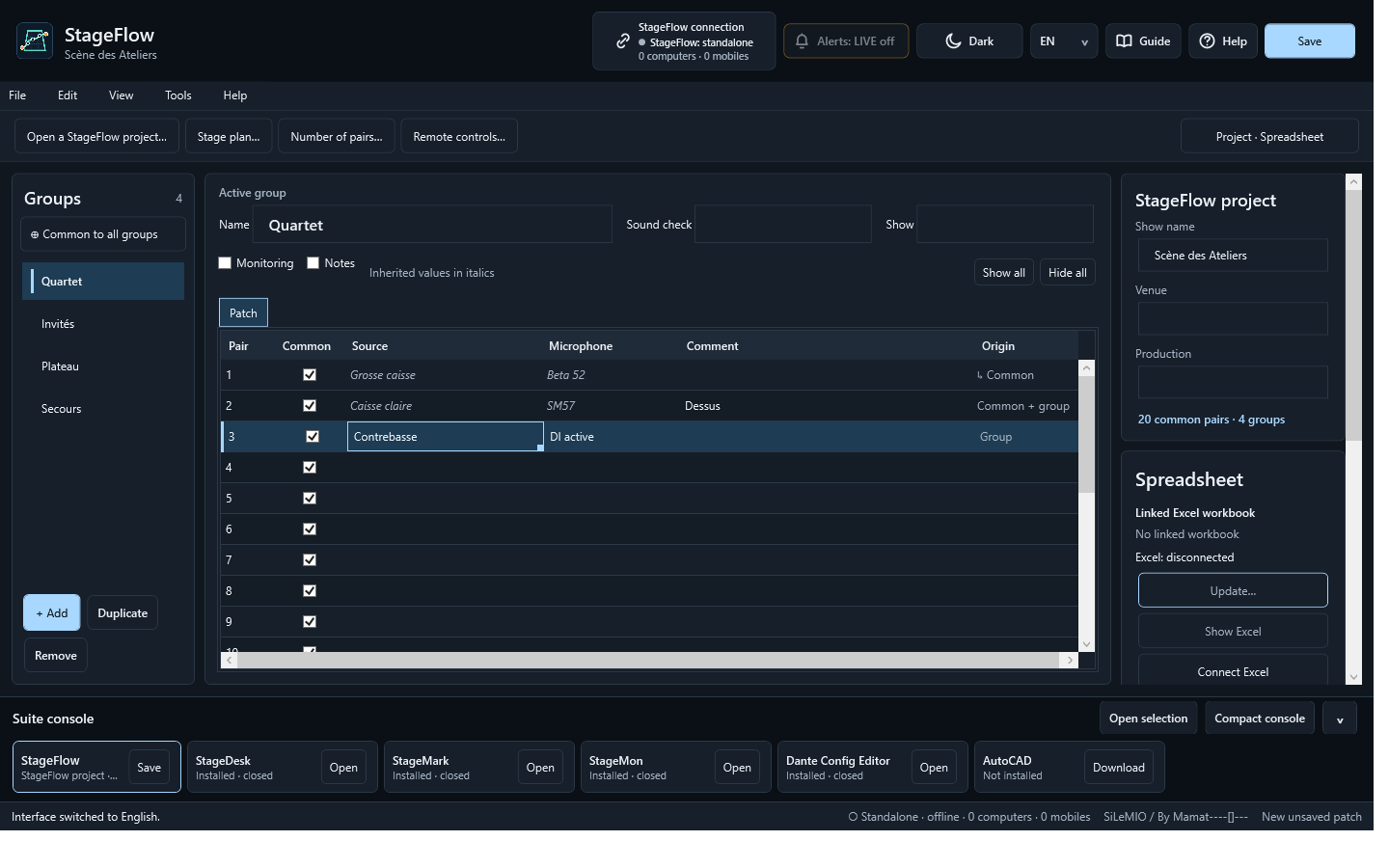
StageFlow with active group, Origin column and Project · Spreadsheet panel
Software view · StageFlowSee in action
03

StageMon

Listen to and check sources

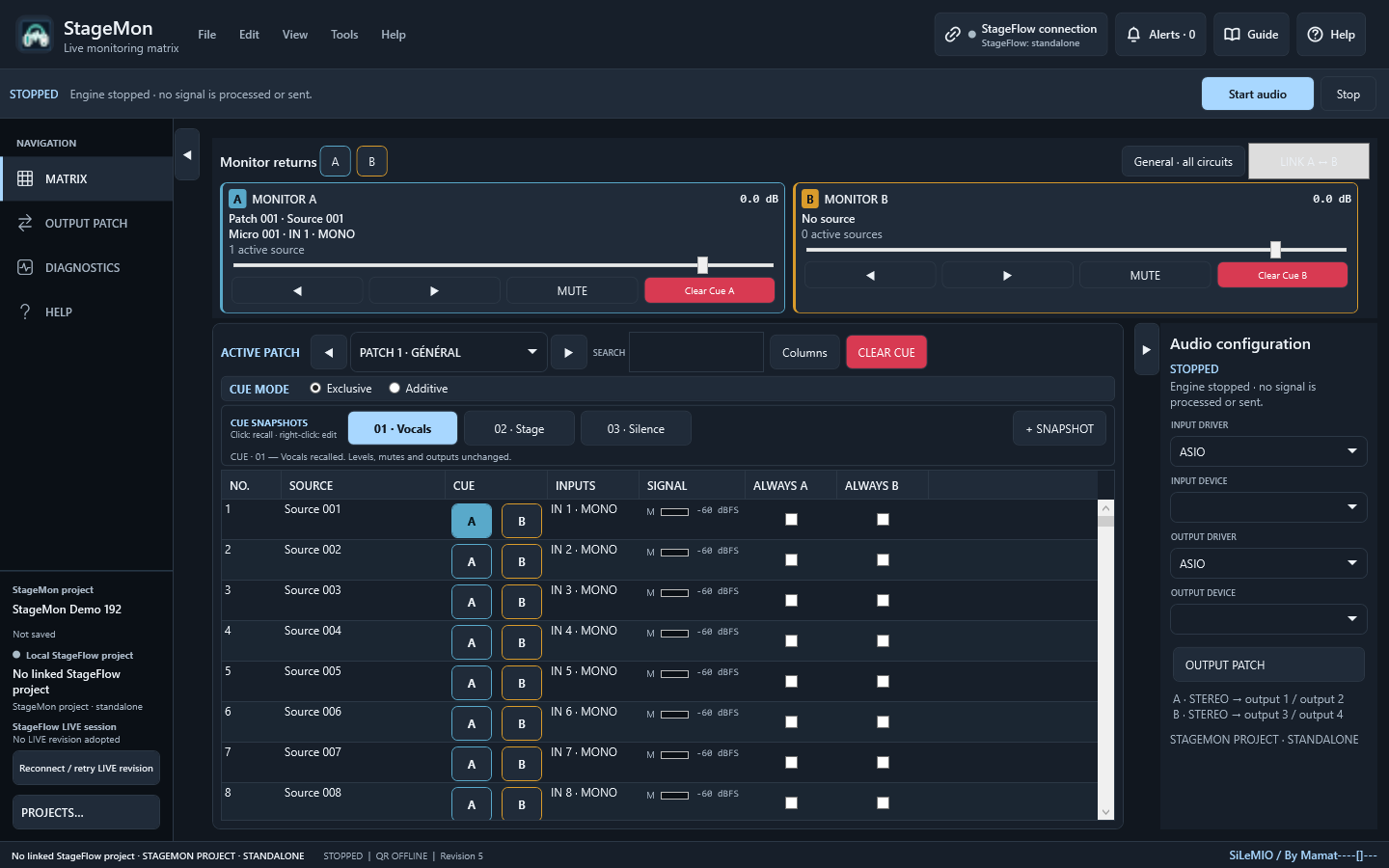
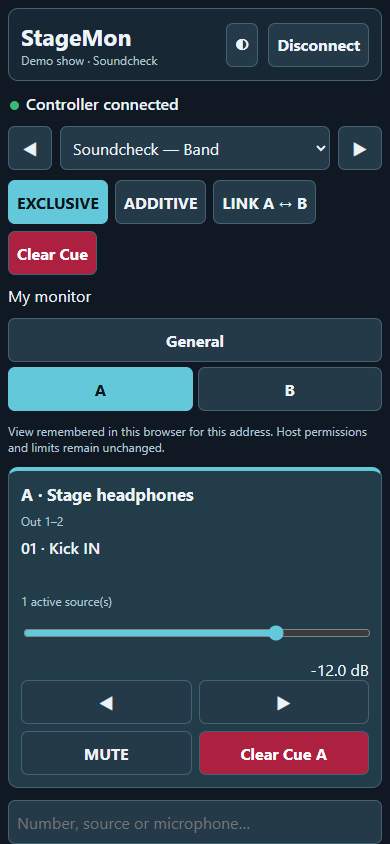
Listen to sources directly through your monitoring system — speakers, headphones or production intercom — and control them remotely. An authorised phone or tablet can also receive the feed in its browser for an independent line check.

  • Speaker · headphone monitoring
  • Listen on mobile
  • Line check
With StageFlow

Keep sources and labels in step with the shared show patch.

v2027.1.7

Find the patch sources
Software view · StageMonSee in action

MORE WAYS TO WORK

Your audio toolbox.

Larsen Lupin

Say goodbye to feedback

Analysis and processing as an AU / VST3 plug-in or standalone app.

v2027.9Explore

Controller Studio

Automatically map your controllers

Prepare MIDI mappings for LiveProfessor with profiles and AutoMap.

v2026.7Explore

AudioWatch

Automatic backup for your audio system

Watch a process and prepare the RME / TotalMix backup command.

v0.1.20Explore

From workstation to stage

Your show, within reach.

StageFlow, StageMon and StageMark remotes open on a phone or tablet via QR code in its browser, on the same local network: no mobile app is needed for these controls.

The operator enables and authorises each connection. StageMon phone listening is enabled separately. StageMark AR uses its Android companion app and a compatible phone.

Explore remote control
Choose the source you want to hear.
StageMon · phoneChoose the source you want to hear.
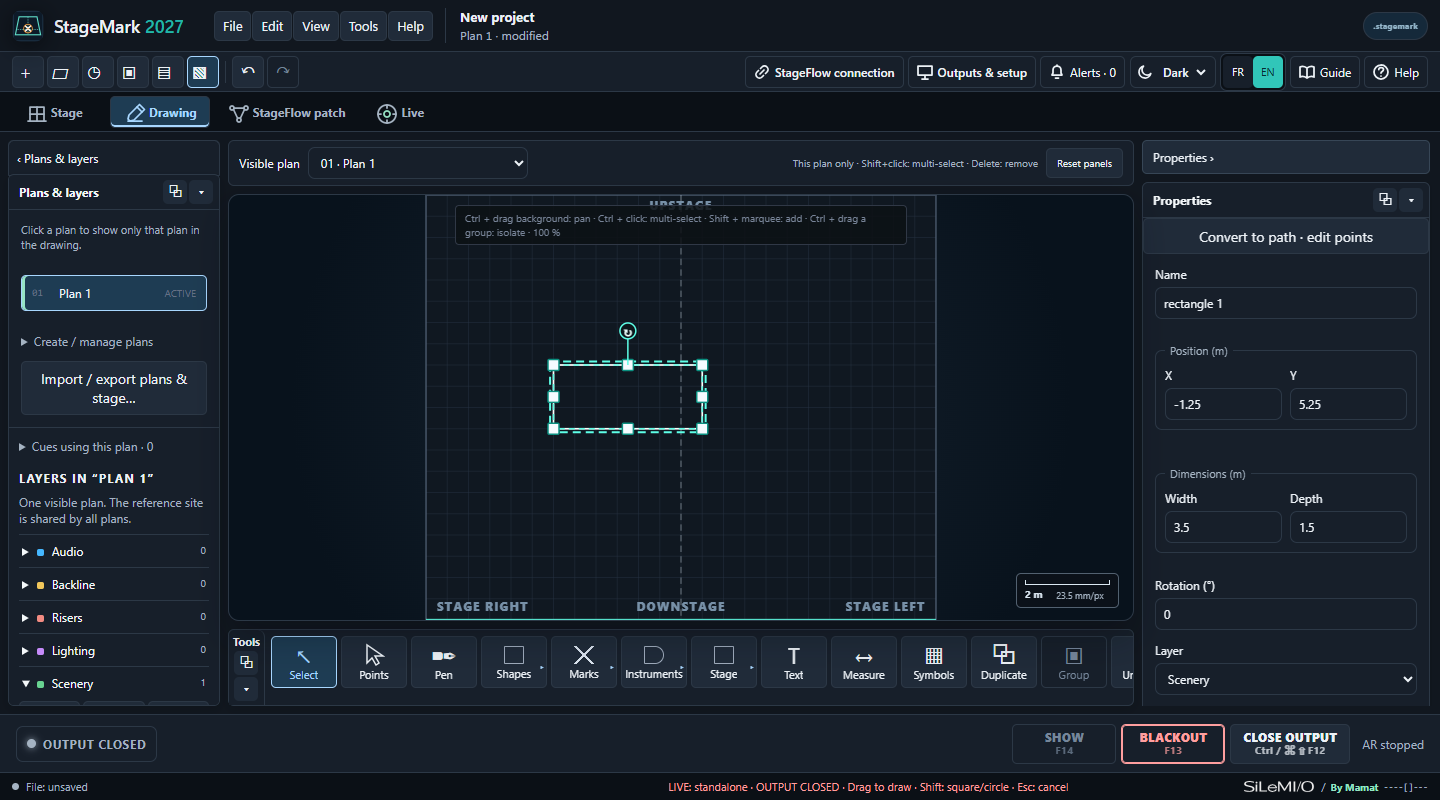
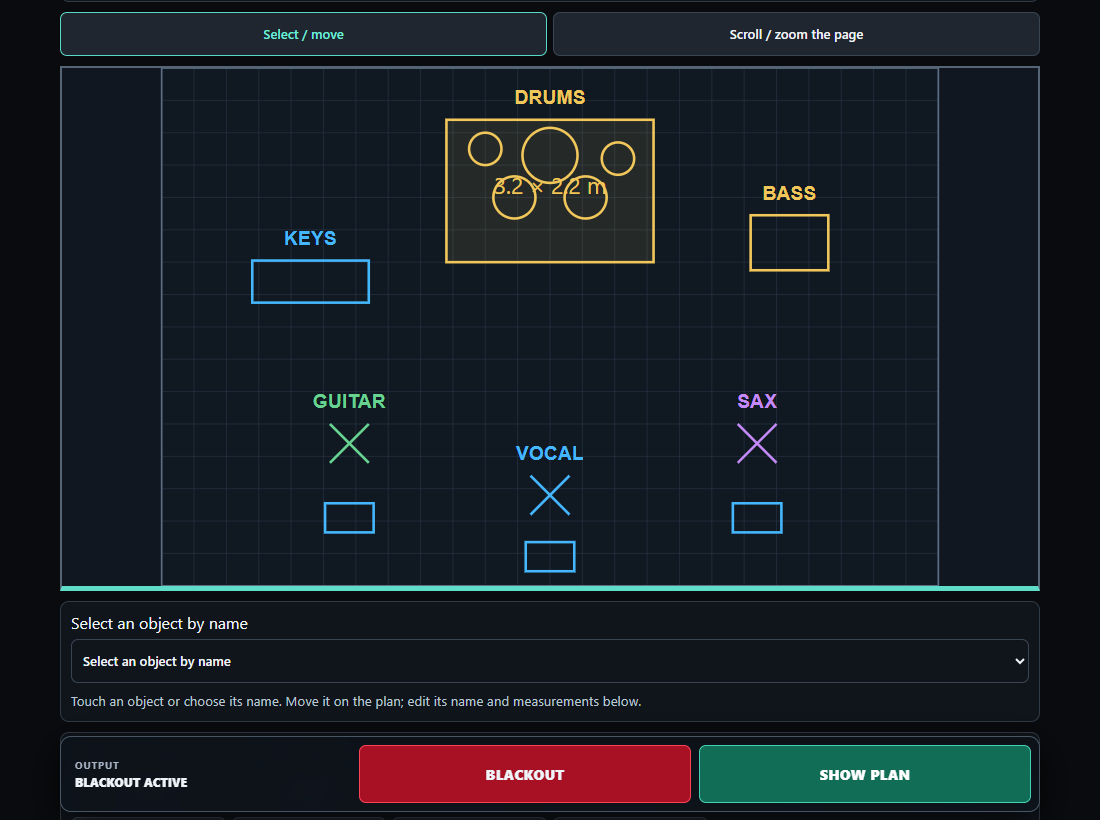
Adjust your markers on the plan.
StageMark · tabletAdjust your markers on the plan.

Your working formats

From one console to another.

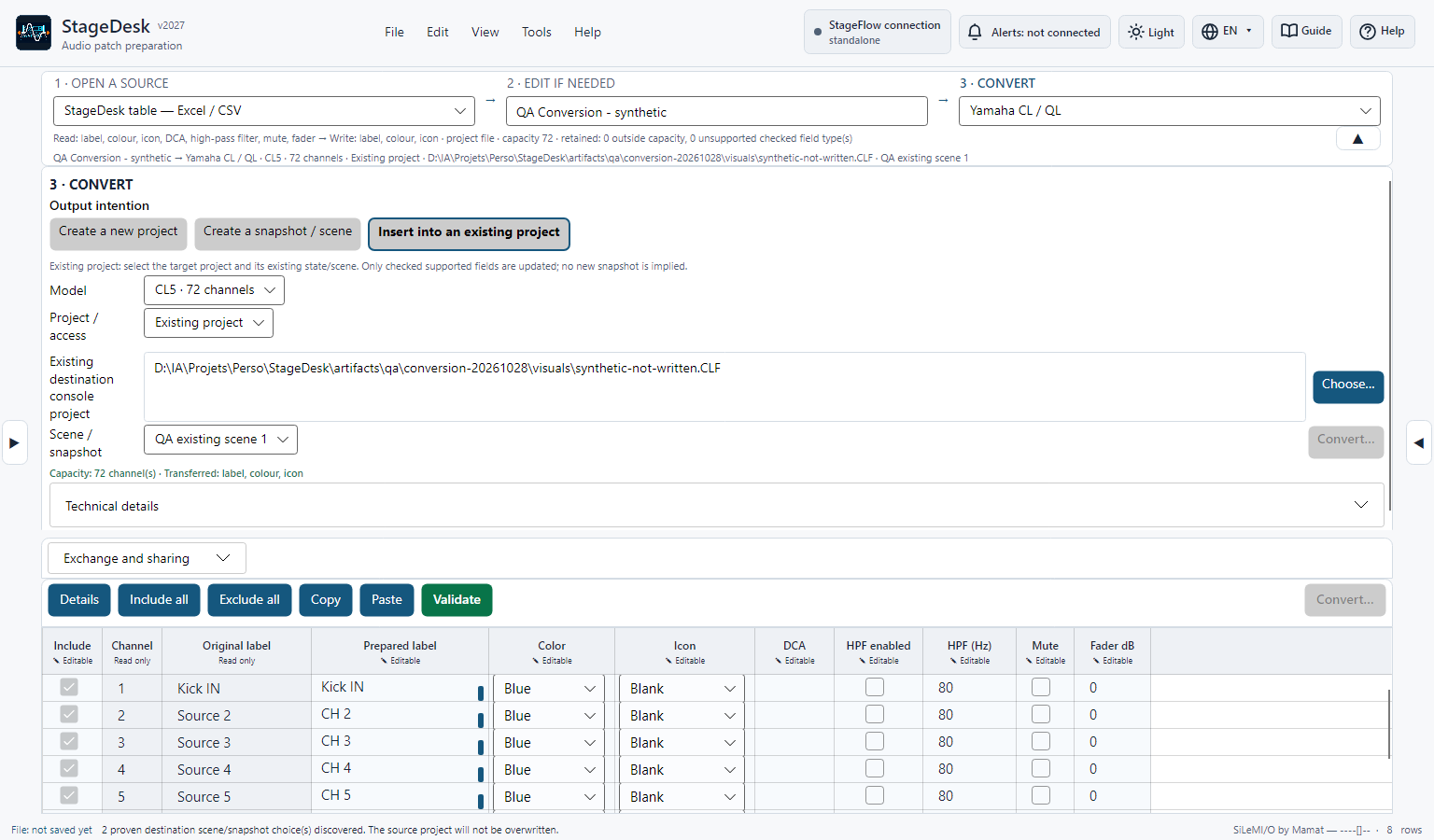
StageDesk converts data between supported formats. See the complete list and exactly what transfers to each destination.

All StageDesk compatibilities

Built on trust

Try the tools. Choose your licence.

StageFlow is free. StageDesk, StageMark and StageMon remain usable without a purchase: after 30 days, a support reminder appears at startup, and a licence remains optional. Dante Config Editor offers a full 30-day trial, followed by a permanent licence required to continue using it. Larsen Lupin also offers a 30-day trial, followed by a licence required for audio processing.

  • One-time payment
  • Permanent licence
  • 3 activations by default

Support the complete suite

€99 incl. tax3 permanent licences + free StageFlowAdd bundle to cart

An idea from the field?

A question, feedback or a suggested improvement: your experience helps shape these tools.

Get in touch