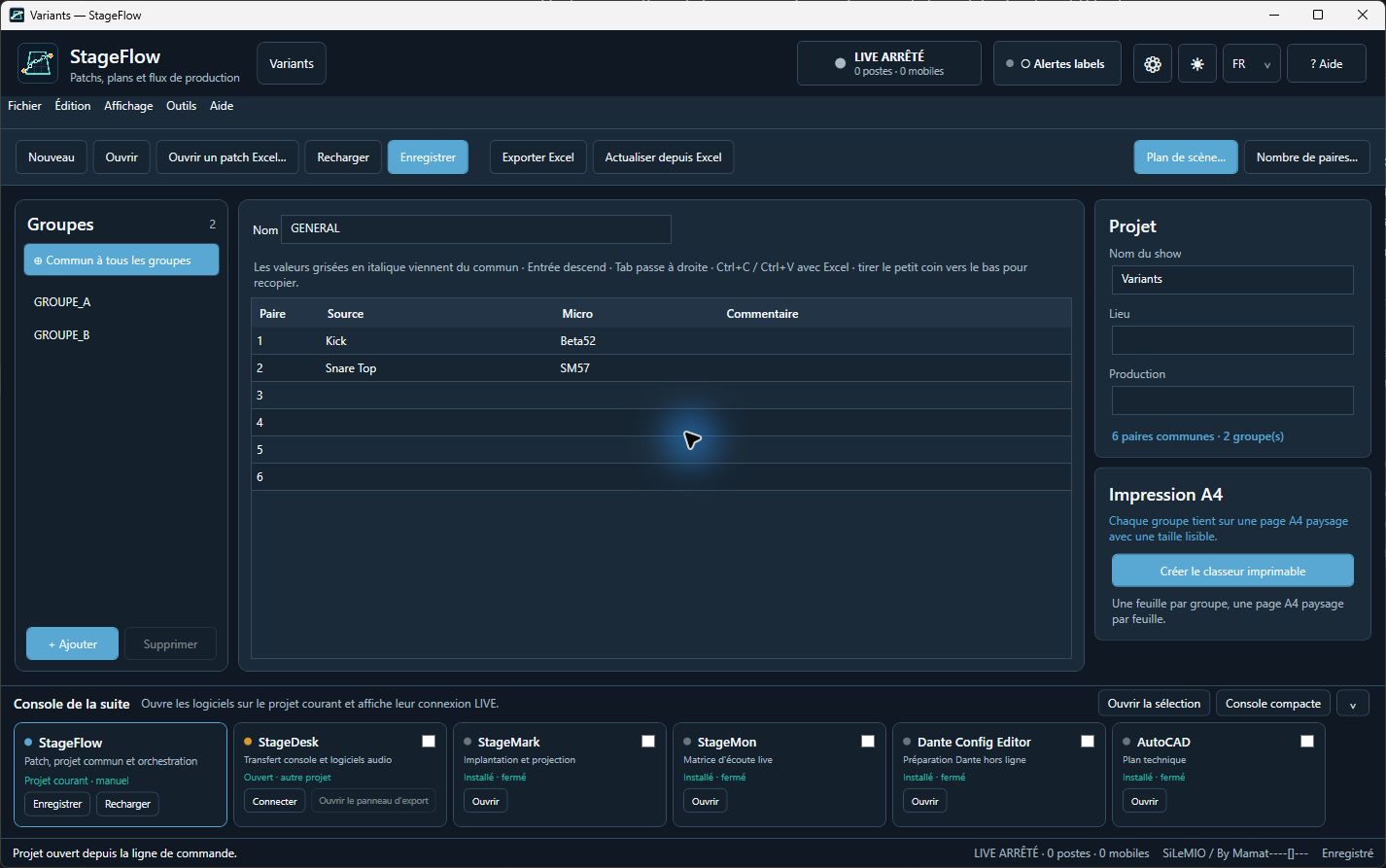
Begin with a simple patch, then follow it through StageDesk, StageMark and StageMon. One voluntary StageFlow LIVE session links the workstations on a local network. Choose a walkthrough without equipment or follow the real setup.
These two paths are independent of the walkthrough. Try them when Dante preparation or a CAD drawing is part of your work.
DANTE / RX
Dante Config Editor
Open a local .stageflow patch or join its LIVE session. Choose the StageFlow entries, then the target Dante machine and RX channel range. Review the resulting labels before applying them to the DCE project.
Linked RX labels may follow patch-label changes in LIVE. DCE prepares the configuration; it does not directly control Dante hardware. Check the exported project and the real network separately.
Retrieve StageFlow patch sources in an AutoCAD drawing, search or filter the labels, then position the sources precisely on the plan. This is useful when the stage layout needs a technical drawing.
The plug-in is a separate CAD workflow. The main walkthrough works without AutoCAD.
 SiLeMI